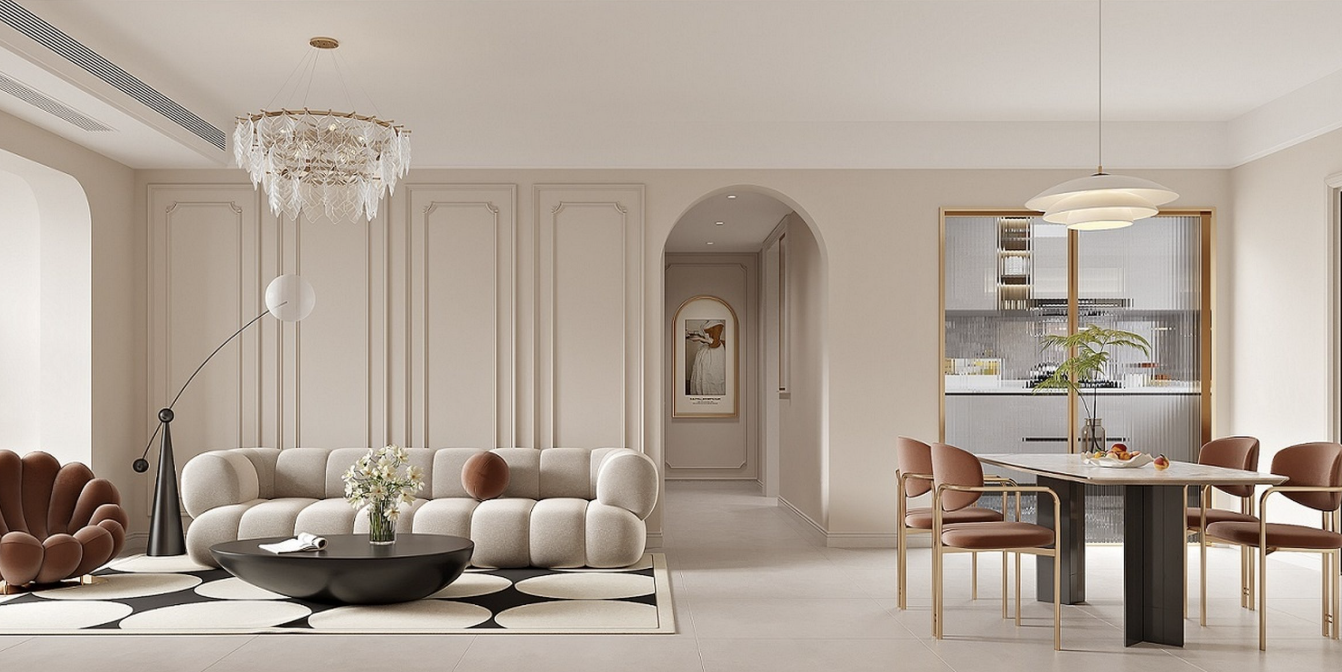
Designing a room no longer requires expensive software or hiring a professional interior designer. With modern online tools, anyone can visualize their space, test layouts, and experiment with styles before making real-world changes. In fact, using 3d room design free tools like Roomtodo allows you to create a realistic room layout directly in your browser without downloading heavy programs. You can start designing your room in 3D here and see your ideas come to life within minutes—completely free.
This step-by-step guide will walk you through the entire process, from measuring your room to creating a polished 3D interior you can actually use.
Step 1: Measure Your Room Accurately
Before opening any 3D room planner, grab a measuring tape. Accurate measurements are the foundation of a realistic design. Measure:
- Length and width of the room
- Ceiling height
- Door and window positions
- Permanent elements like columns or built-in cabinets
Even free 3D room design tools rely on real dimensions. The more precise your inputs, the more accurate the final design will be. This step ensures that furniture fits perfectly and walking space remains practical.
Step 2: Choose a Free 3D Room Design Tool
Once measurements are ready, choose an online room planner that doesn’t require technical skills. Browser-based tools are ideal because they work instantly and save time. Free platforms like Roomtodo allow you to build a room in 2D first and instantly convert it to a full 3D view.
The advantage of using online tools is flexibility—you can redesign, undo changes, or save multiple versions without any cost. This makes them perfect for homeowners, renters, and even students exploring interior design concepts.
Step 3: Create the Room Layout
Start by drawing the room shape according to your measurements. Most 3D planners let you input exact dimensions so walls scale properly. After that:
- Add doors and windows
- Adjust their position and size
- Set wall thickness if available
This layout stage defines how realistic your final output will look. Think of it as building the empty shell before decorating. Once completed, switch to 3D view to confirm everything feels proportional.

Step 4: Add Furniture & Fixtures
Now comes the fun part—furnishing your virtual room. Free 3D design tools usually include a built-in furniture library with beds, sofas, tables, cabinets, and décor items.
Place furniture exactly where you plan to use it in real life. Rotate items, resize them if possible, and test different arrangements. This process helps you discover issues early, such as tight walkways or oversized furniture.
You’ll also be able to visualize how your room functions, not just how it looks.
Step 5: Experiment with Colors & Materials
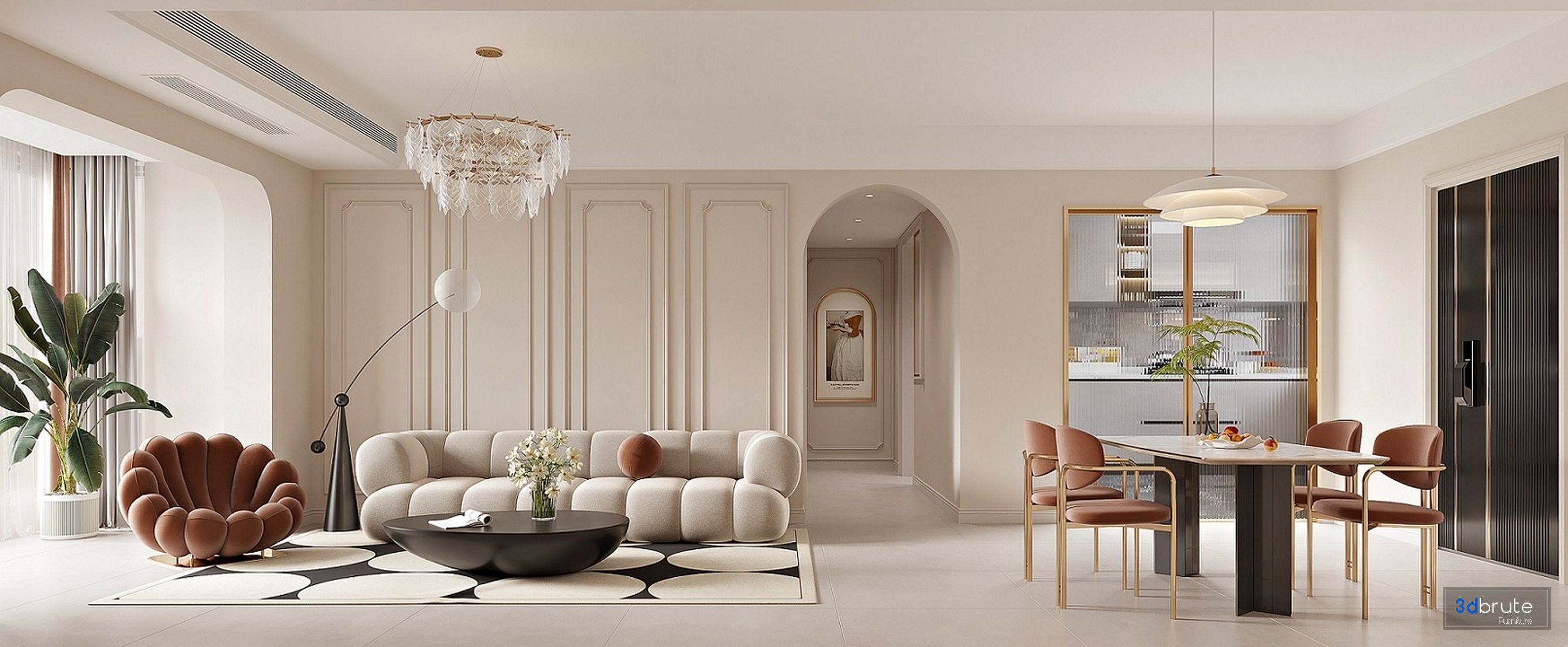
One major benefit of 3D room design is color testing without consequences. Try different wall colors, flooring materials, and textures to see how they interact with light.

Change:
- Wall paint shades
- Floor type (wood, tile, carpet)
- Furniture finishes
Free 3D room design tools let you preview styles instantly, helping you avoid expensive mistakes during real renovations.
Step 6: Adjust Lighting for Realism
Lighting has a huge impact on how a room feels. Most free 3D planners allow you to simulate natural and artificial lighting. Add ceiling lights, lamps, or wall fixtures and observe how shadows and brightness change.
This step is especially useful for living rooms, bedrooms, and workspaces where lighting directly affects comfort and mood.
Step 7: View, Refine, and Save
Once everything is in place, explore your room from different angles in 3D mode. Walk through the virtual space and check for balance, flow, and comfort.
At this stage:
- Make small adjustments
- Try alternate layouts
- Duplicate the room to test new ideas
Many tools allow screenshots or saved versions, even in free plans. These visuals are great for sharing with family, contractors, or furniture sellers.
Why Use Free 3D Room Design Tools?
Free 3D room design platforms remove guesswork from interior planning. You can test multiple ideas, reduce renovation risks, and feel confident in your choices—all without spending money upfront.
They are ideal for:
- Homeowners planning renovations
- Renters arranging small spaces
- Interior design beginners
- Anyone who wants clarity before buying furniture
Even professionals use free tools to brainstorm layouts quickly.
Final Thoughts
Designing a room in 3D doesn’t have to be complicated or expensive. With accurate measurements, a reliable online planner, and a bit of creativity, you can transform ideas into a realistic 3D model in just a few hours.
Using 3d room design free tools gives you full control over layouts, colors, and furniture—before committing in real life. Whether you’re redesigning a bedroom, living room, or entire home, 3D planning is the smartest first step toward a space you’ll truly love.
