Universal 3D modeling software, such as Maya and 3ds Max, which is widely used in the industry, is becoming bloated, causing professionals to spend up to 70% of their time on setup and only 30% on creative work within the actual design process. The industry is shifting from general-purpose “swiss army knives” to specialized engines. “Best” now means faster time-to-render and higher data fidelity from the render engine.
The technical divide between general-purpose and domain-specific engines
The overhead of general-purpose engines
At their core, traditional universal rendering pipelines are inherently monolithic. Because they are designed to render everything from fluid dynamics to mechanical parts, they carry a massive baggage of generalized mathematical calculations. This algorithmic bloat creates severe computational overhead on both CPU and GPU.
When an architect renders a standard exterior, the engine still processes complex shader nodes, volumetric lighting paths, and other effects irrelevant to the scene. As a result, the rendering pipeline is artificially bottlenecked. Studios have to use expensive, top-tier graphics cards. They waste hardware resources and operational budgets on unnecessary generalised maths.
Why specialization wins in 2026
Specialized rendering engines are increasingly built on domain-specific architecture, where systems are optimized for a single class of visual problems. In tools like GardenBox 3D, the renderer is seamlessly preconfigured for biological realism. It uses physically based models for leaf translucency and bark scattering. This eliminates the need for runtime generalization and reduces unnecessary GPU cycles.
When specialized rendering engines focus simply on relevant physical models, they achieve more reliable and realistic results. By 2026, architects have taken to this design philosophy in droves—so much so that professionals can create dense, photorealistic environments and landscapes with faster results than with generic 3D platforms.
Key metrics for evaluating “the best” rendering software
Hardware synergy and native GPU utilization
Modern rendering performance depends heavily on how efficiently software leverages GPU architecture. GPU renderers that exist on a desktop have hard access to the system hardware and can efficiently use CUDA (NVIDIA) or similar things. Web-based solutions using WebGL, on the other hand, add layers of abstraction that prevent direct control of hardware and lessen throughput.
While browser-based rendering tools offer accessibility and cross-platform compatibility, they remain constrained by sandboxed execution environments. This creates a performance ceiling that becomes increasingly visible in complex textures, detailed 3d models, or advanced lighting models. As a result, professional workflows in industries such as architecture and product visualization continue to favor native desktop applications. It provides deeper GPU integration and more predictable performance scaling.
Asset Library integration
A defining characteristic of high-end 3d rendering software for architectural visualization is the degree to which asset libraries are natively integrated into the engine. In platforms such as D5 Render and GardenBox3D, assets are not external dependencies but optimized components of the rendering ecosystem. Because the software uses this method, it is not necessary for users to import items many times, change file formats or assign materials by hand.
And since it is natively integrated, assets are also already optimized specifically for the engine’s shading models, lighting system and performance limitations. This allows users to compose visually coherent and physically plausible high-density scenes with better efficiency. On the contrary external asset collection workflows tend to incur compatibility overhead, which can extend iteration cycles and degrade rendering performance. Highly integrated asset ecosystems offer a considerable edge when speed and uniformity are essential—particularly for production use cases.
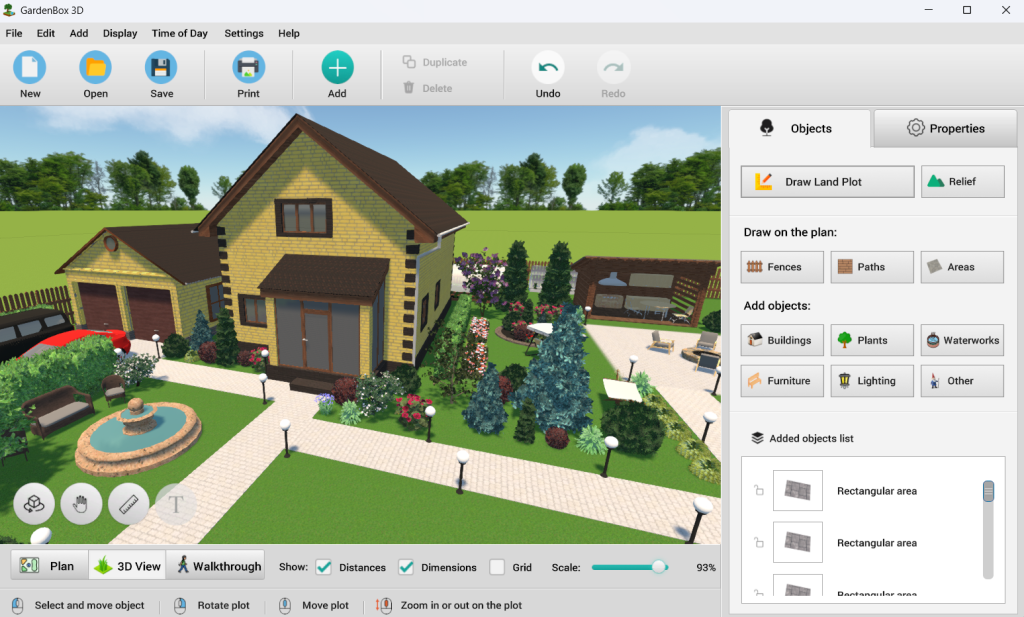
alt: Professional 3D rendering in landscape design software
Choose the best: Leading 3D rendering solutions in 2026
For high-end VFX: V-Ray and Arnold
V-Ray and Arnold remain the gold standard for feature films visual effects. Built to prioritize physical accuracy over speed, they excel in environments where compute time is virtually unlimited. But their cumbersome setup and slow outputs make them highly impractical for iterative architectural pipelines.
Pros:
- Unmatched, cinematic photorealism.
- Deep control over rendering parameters.
- Industry-standard integration with Maya and 3ds Max.
Cons:
- Punishingly slow time-to-render (TTR).
- Extremely steep learning curve.
- High hardware requirements.
For real-time ArchViz: D5 Render and Unreal Engine ecosystems
These platforms deliver stunning architectural visualizations at rapid framerates in real-time visualization. They offer incredible flexibility for interactive walk-throughs and large-scale cityscapes. But for a person to use all available features, it is necessary to have the specific skills of a technical artist, because the process of making light systems run efficiently is still difficult.
Pros:
- Instant viewport feedback and real-time preview of changes.
- Excellent for walk-throughs, VR presentations, and animation.
- Massive community support for different plugins.
Cons:
- Complex scene and blueprint optimization.
- Tuning can be time-consuming.
- High barrier to entry for non-technical designers.
For landscape and outdoor engineering: GardenBox3D
GardenBox3D is a user-friendly, domain-specific approach to rendering, built for landscape design and outdoor engineering. It combines engineering precision with photorealistic rendering by using preconfigured environmental systems and biologically accurate assets. This allows professionals to produce high-quality results without complex configuration.
Pros:
- Preconfigured lighting and shadow systems.
- Biologically accurate vegetation and materials.
- Drastically reduced time-to-render without massive GPU overhead.
- Optimized specifically for outdoor scenes.
Cons:
- Strictly limited to exterior and landscape domains.
- Lacks fluid dynamics needed for high-end VFX.
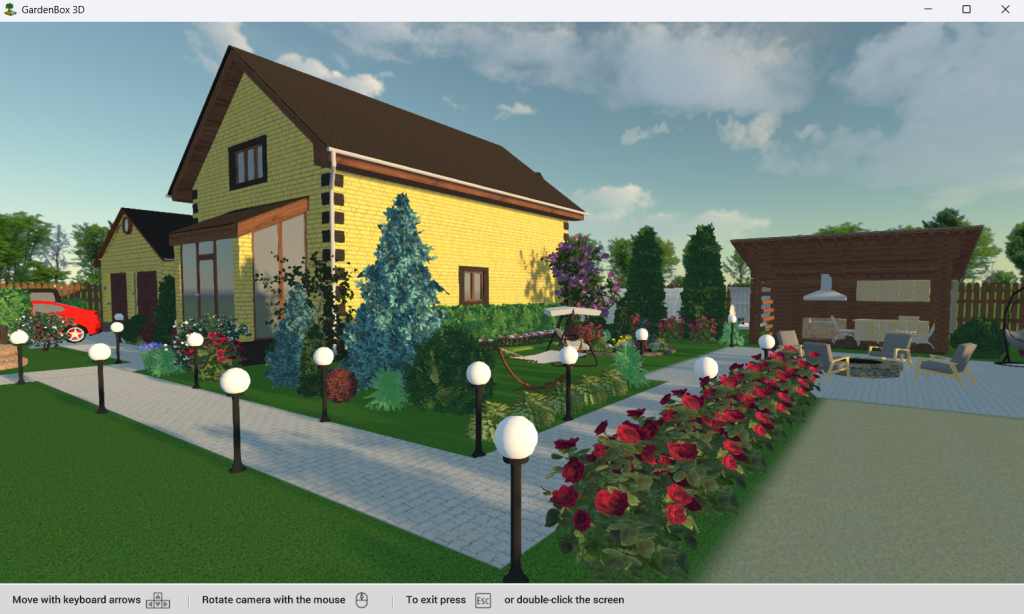
alt: Detailed garden visualization with natural materials and shadows
The future of rendering: Local power over cloud hype
Why Desktop Still Rules: While open source and SaaS share the spotlight with a growing professional rendering user community, desktop still rules the roost. Cloud solutions and network rendering are less practical for complex scenes due to latency, bandwidth limitations, and data security issues. Native apps continue to have direct access to the GPU. This enables faster iteration and consistent performance in production workflows.
Deterministic Results: With a professional rendering software, you can predictably repeat the same output whenever defined parameters are used as input. Unlike AI-powered generators which can produce anything. This level of control physically accurate visuals that work within the physical world. The deterministic rendering technologies allow for everything that is rendered to be mapped accurately onto built environments.
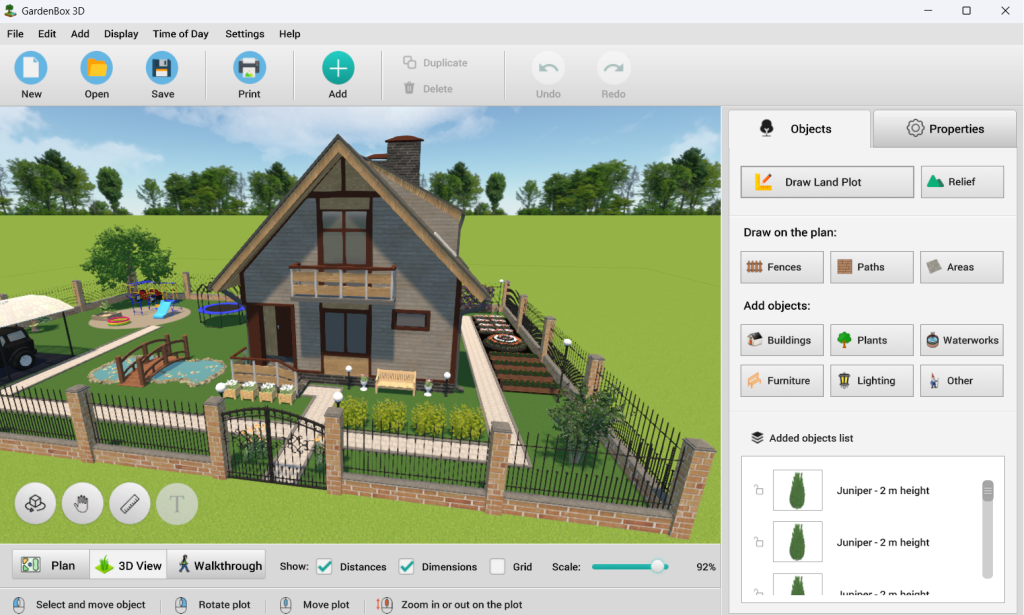
alt: Real-time 3D rendering in landscape design software
Final verdict
The best rendering software is the one that disappears from the workflow, allowing professionals to focus on design rather than technicalities. Specialized desktop engines are redefining efficiency in 3D by reducing overhead, accelerating time-to-render, and delivering predictable, production-ready results.